Capture One Layers Styles
Layers Starter Kit
One-click layers to kickstart your edit in Capture One
Make the first minute of every edit effortless.
The Layers Starter Kit includes over 100 Capture One styles with AI masks that allow you to quickly mask an image with various opacities, adjust portraits with AI, and apply subject/background adjustments. This kit will help you start editing in the right place and finish exactly how you want.
The Layers Starter Kit includes:
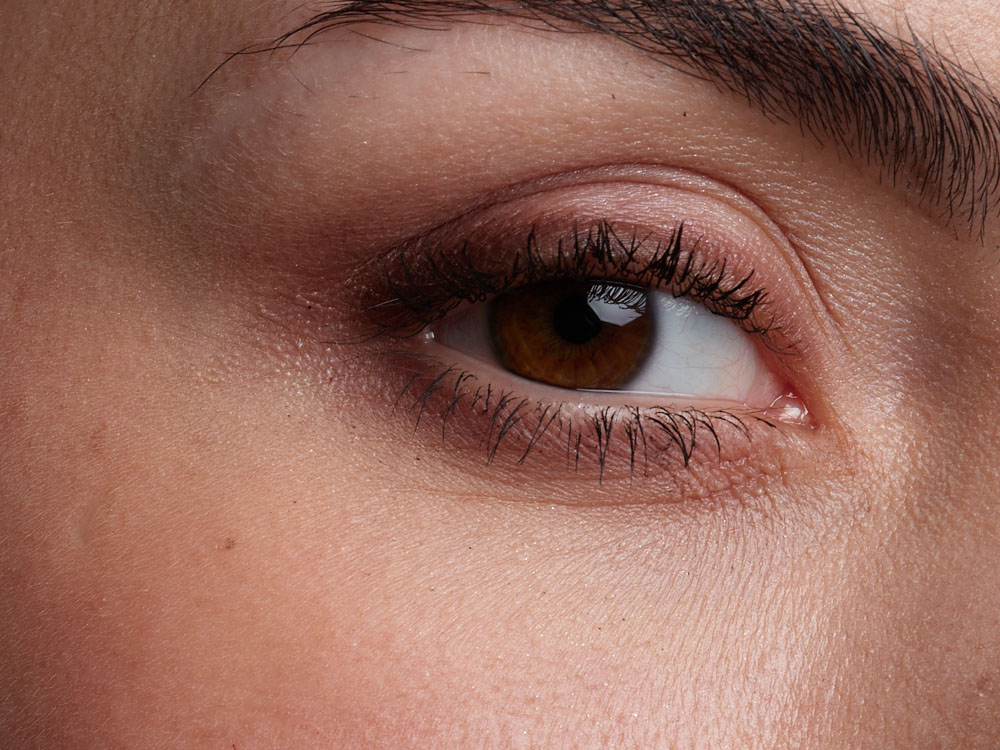
– 24 AI Portrait Styles to automatically adjust and enhance the face, eyes, lips, and eyebrows in a portrait.
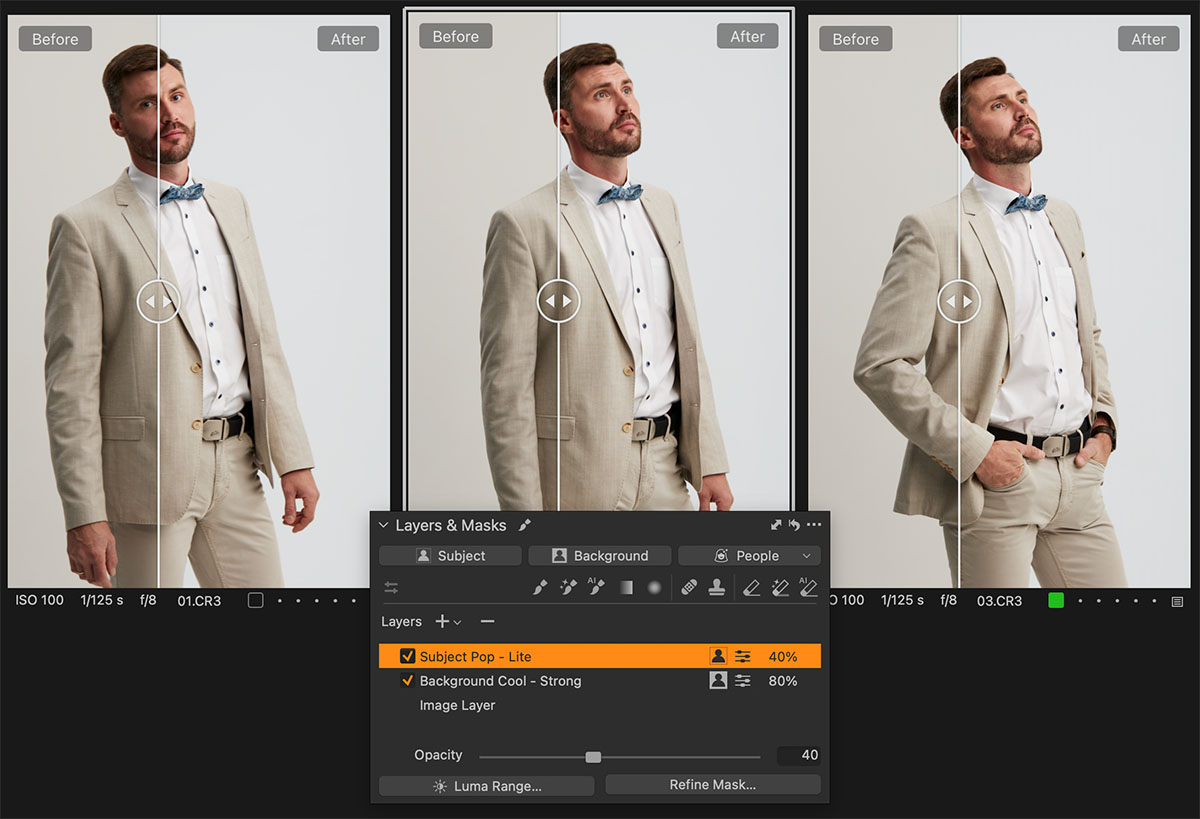
– 16 Subject and Background Styles allow you to quickly pop the subject, calm the background, and add warmth, coolness, or clarity to AI masks.
– 12 Sharpening and Denoising Styles to apply precise sharpening and noise reduction to Subject and Background masks.
– 33 Layers with Opacities Styles that are designed to quickly mask the subject, background, and facial features with opacities ranging from 25% to 75%.
– 16 Portrait Separate Masks Styles to easily mask facial features, as well as subject and background masks on different layers with various levels of opacity.
Layers Starter Kit requires Capture One 16.5 or later.
Sample Layer Styles
Download Free of Charge
How Does the Layers Starter Kit Work?
What Styles Do I Get?
The Layers Starter Kit includes over 100 Capture One styles with AI masks that allow you to quickly mask an image with various opacities, adjust portraits with AI, and apply subject/background adjustments.
AI Portrait Styles
Designed to quickly enhance portraits by adjusting facial features. Built to look natural—especially on skin and eyes.
- Darken/Brigten Face
- Recover/Amplify Facial Shadows
- Enhance Eyes
- Enhance Eyebrows
- Vibrant & Voluminous Lips
- Dim & Voluminous Lips
Subject and Background Adjustments
Subject and Background Styles allow you to quickly pop the subject, calm the background, and add warmth, coolness, or clarity to AI masks.
- Subject Pop (Lite/Strong)
- Background Calm (Lite/Strong)
- Warm/Cool toning for Sub and BG
- Clarity for Sub and BG
Sharpening and Denoising
These styles are designed to apply precise sharpening and noise reduction to the subject and background masks.
These styles allow you to preserve detail where it matters and remove noise where it is necessary.
- Subject Sharpening (Lite/Med/Strong)
- Background Sharpening (Lite/Med/Stg)
- Subject Denoise (Lite/Med/Strong)
- Background Denoise (Lite/Med/Strong)
Empty Layers with Smart Opacities
With Layers with Smart Opacities, you can create filled layers, subject masks, background masks, or people masks at 75%, 50%, or 25% opacity, ready for your adjustments.
You can also assign a shortcut to any of these styles to quickly create masks on your images.
- Filled Layer (75/50/25)
- Subject / Background (75/50/25)
- Full Face (75/50/25)
- People Masking (75/50/25)
Portrait Separate Masks Styles
Portrait Separate Masks Styles allows you to easily mask facial features, as well as subject and background masks on different layers with various levels of opacity.
Generate separate empty layers for key facial areas—and optionally add Subject and Background masks—at your chosen strength.
- Perfect start for portraits
- Portrait bundle at 100 / 75 / 50 / 25%
- Variants that also include BG and Sub
Try It Free

You can download five sample styles from the Layers Starter Kit set free of charge!
Simply subscribe to the AlexOnRAW newsletter by entering your email in the form below. After subscribing to the newsletter, you'll immediately receive the five styles from the set. Also, you'll regularly get a friendly newsletter with free Capture One tutorials, image editing tips and tricks, and news from Capture One community.
If you are already subscribed to the AlexOnRAW newsletter, feel free to subscribe again. The new subscription will not duplicate your current one.